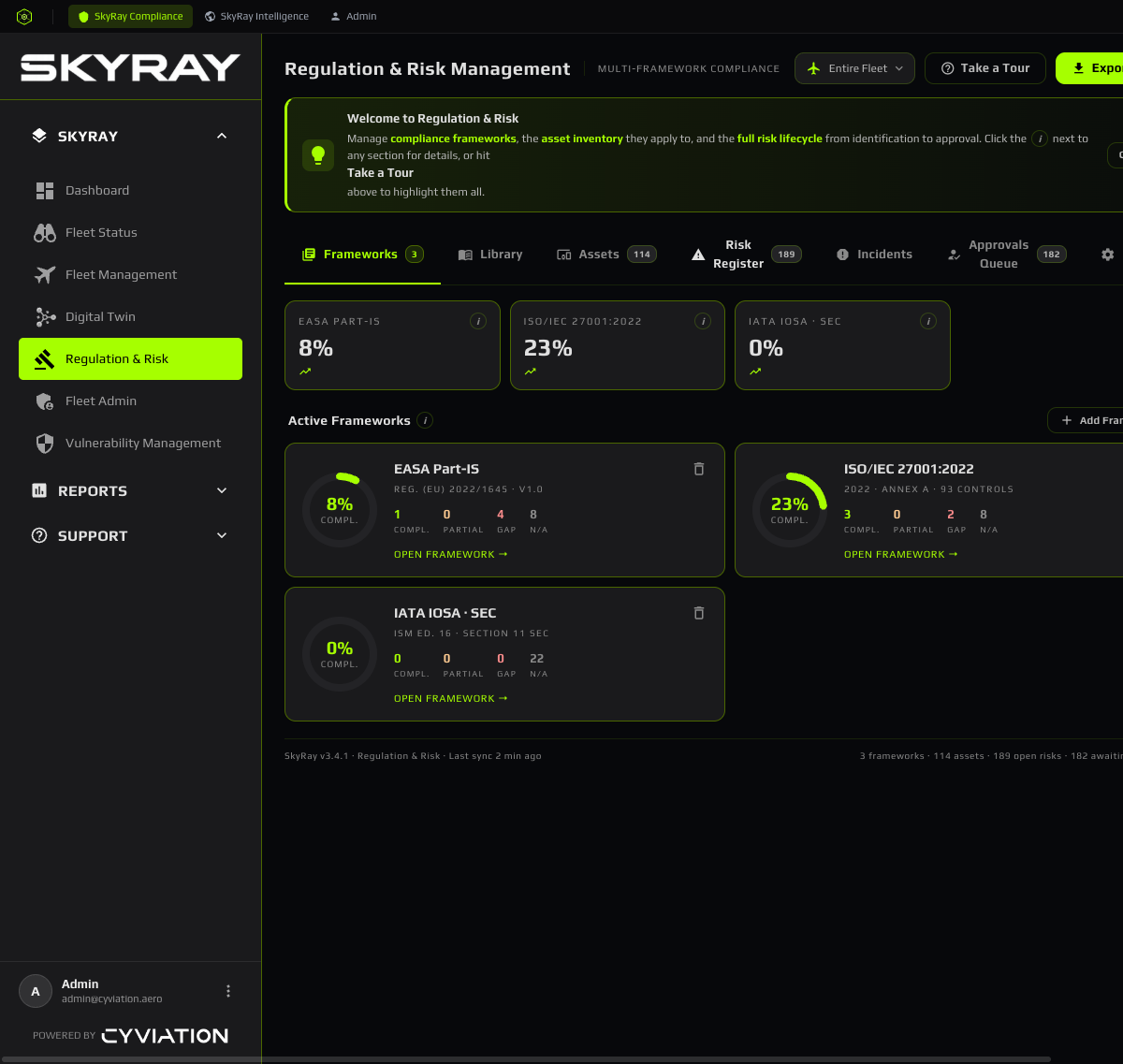
Module guide
SkyRay Compliance
The per-customer aviation security platform — track regulatory frameworks, fleet risk, mitigations and incidents in one place, with audit-ready evidence.
SkyRay Compliance turns "are we compliant and secure?" into something you can measure and prove. You install a regulatory framework, classify your assets, assign responsible people, and the platform tracks the lifecycle of every requirement, the risks behind it, the mitigations closing them, and the evidence an auditor will ask for.
The overview dashboard
Your landing screen summarises fleet posture — open vulnerabilities by severity, top unmitigated risks, fleet status by aircraft and recent activity. Start your day here and drill into anything that needs attention.
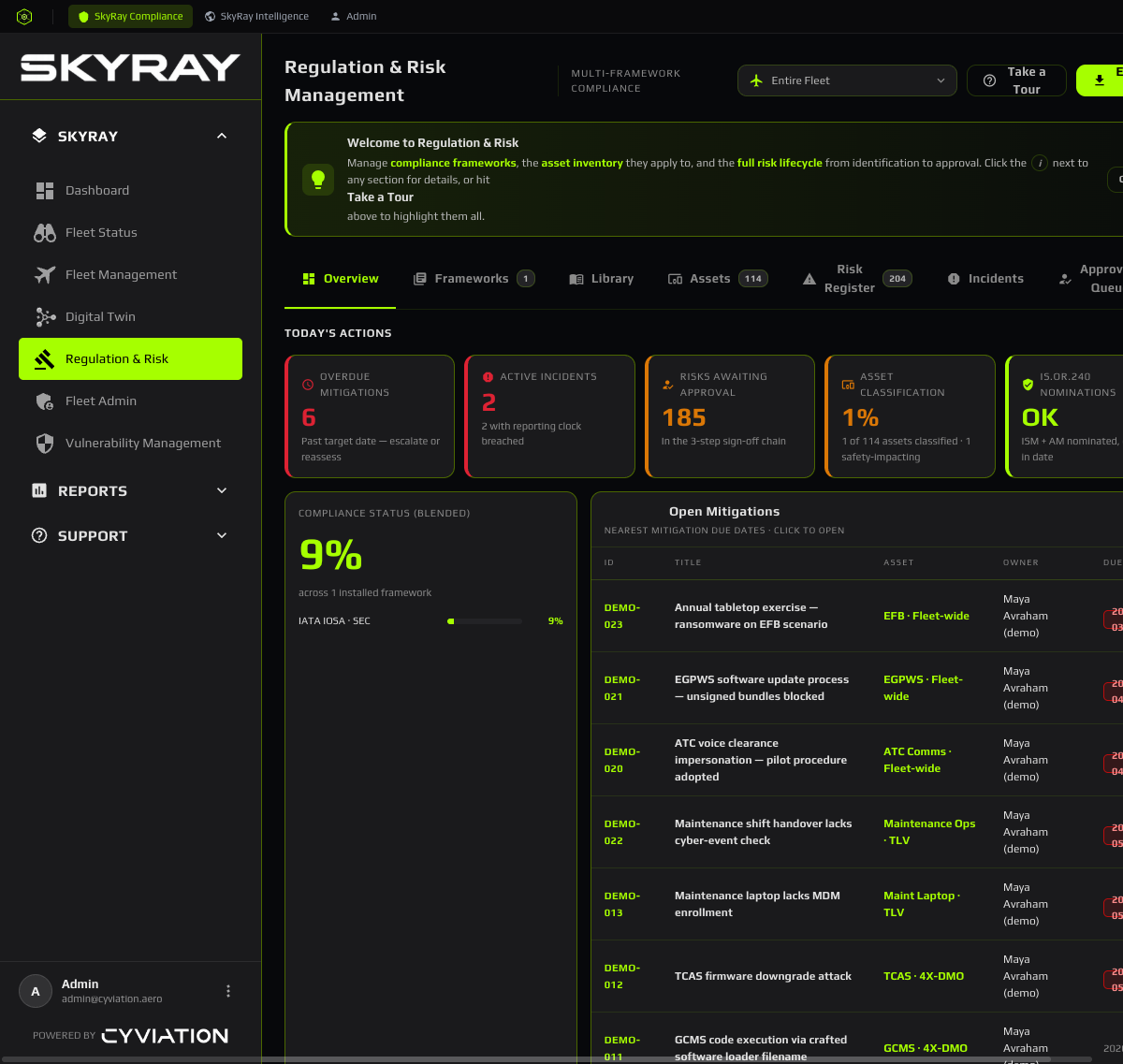
Main flow: from framework to evidence
The compliance lifecycle runs end-to-end inside SkyRay:
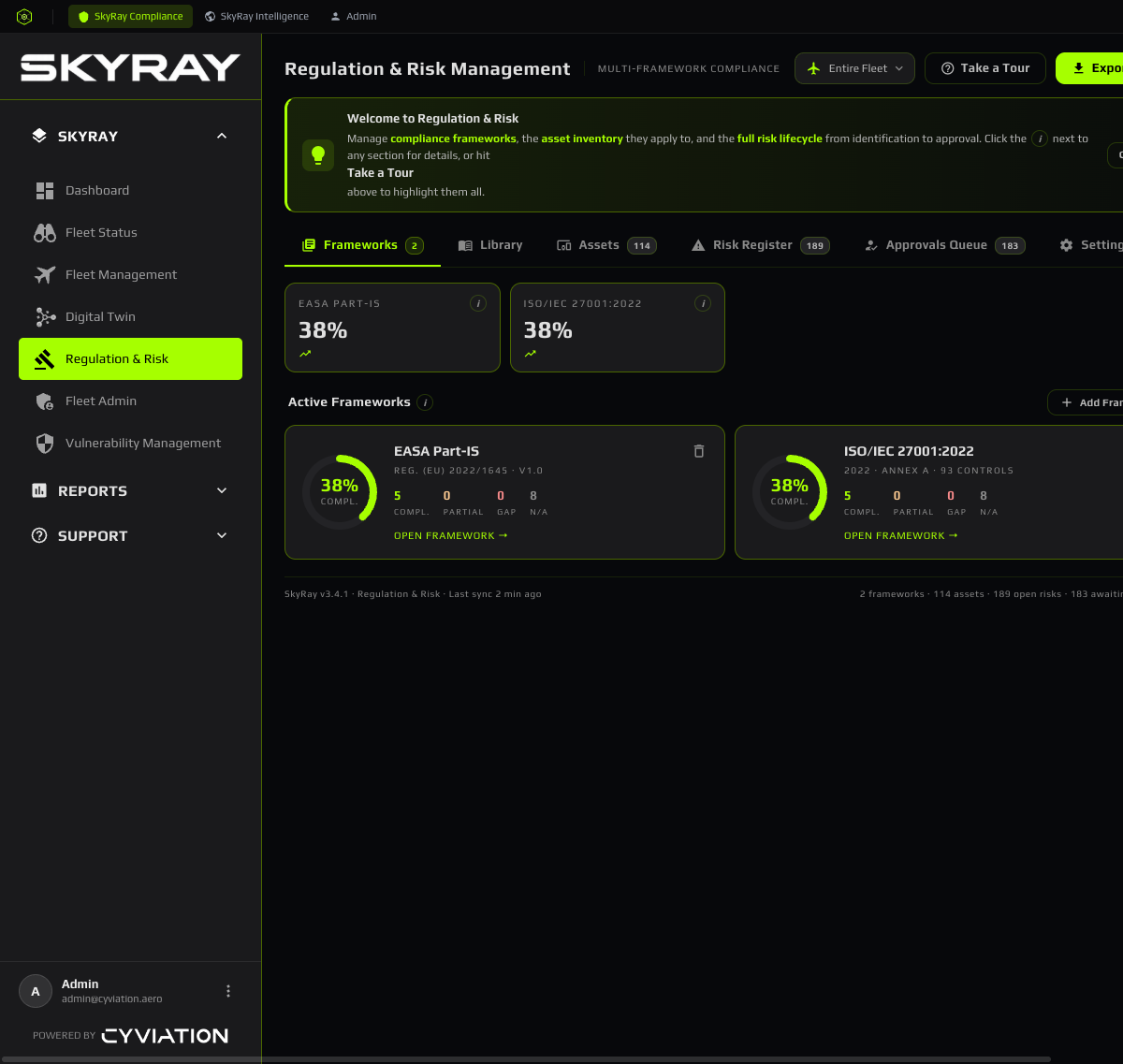
1 · Install a regulatory framework
Choose the framework that applies to you (e.g. an IATA / EASA baseline). SkyRay loads its requirements so you start from a known structure rather than a blank sheet.
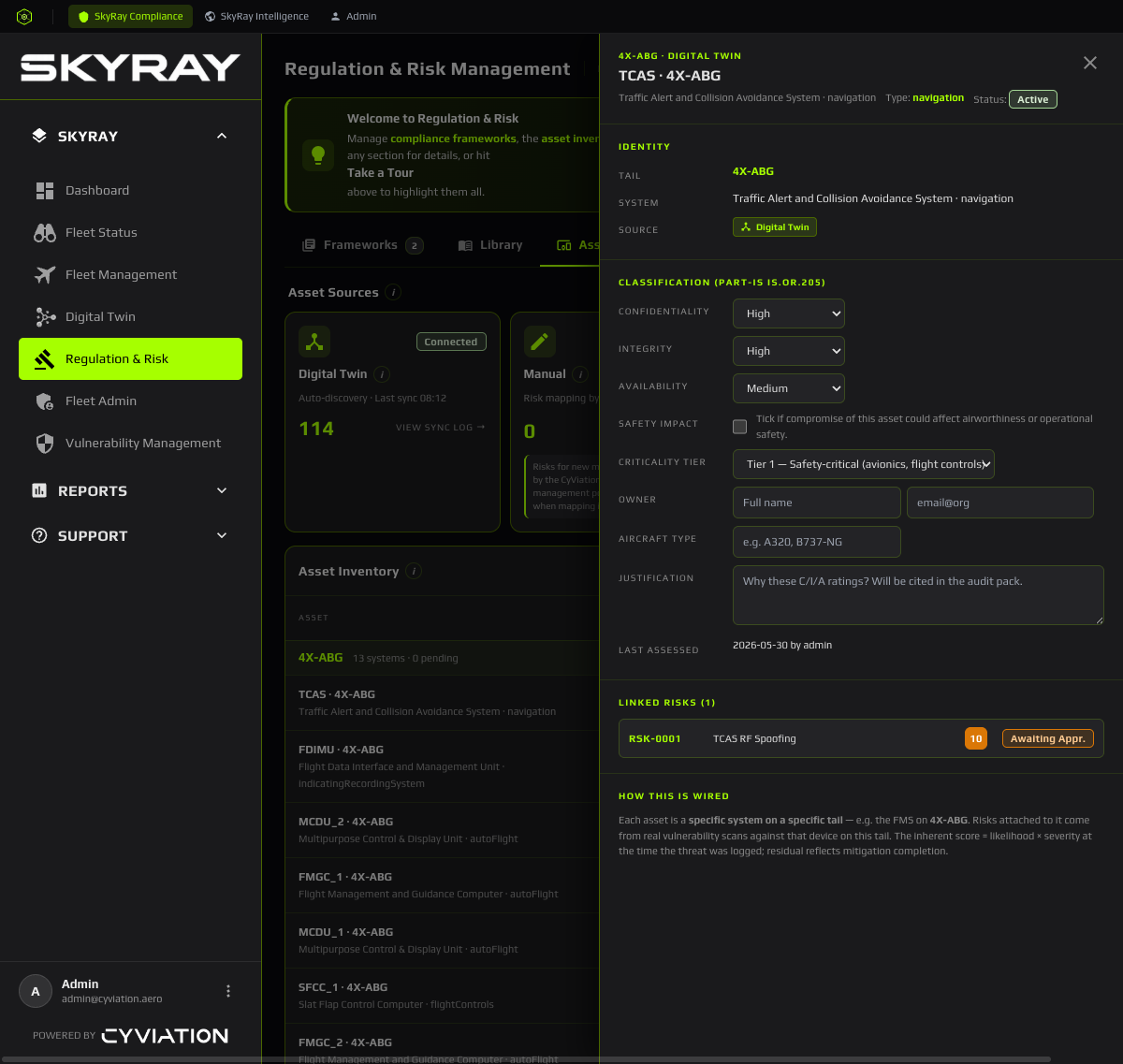
2 · Classify your assets
Classify aircraft and systems so each requirement applies to the right scope. Classification drives which risks and controls are relevant.
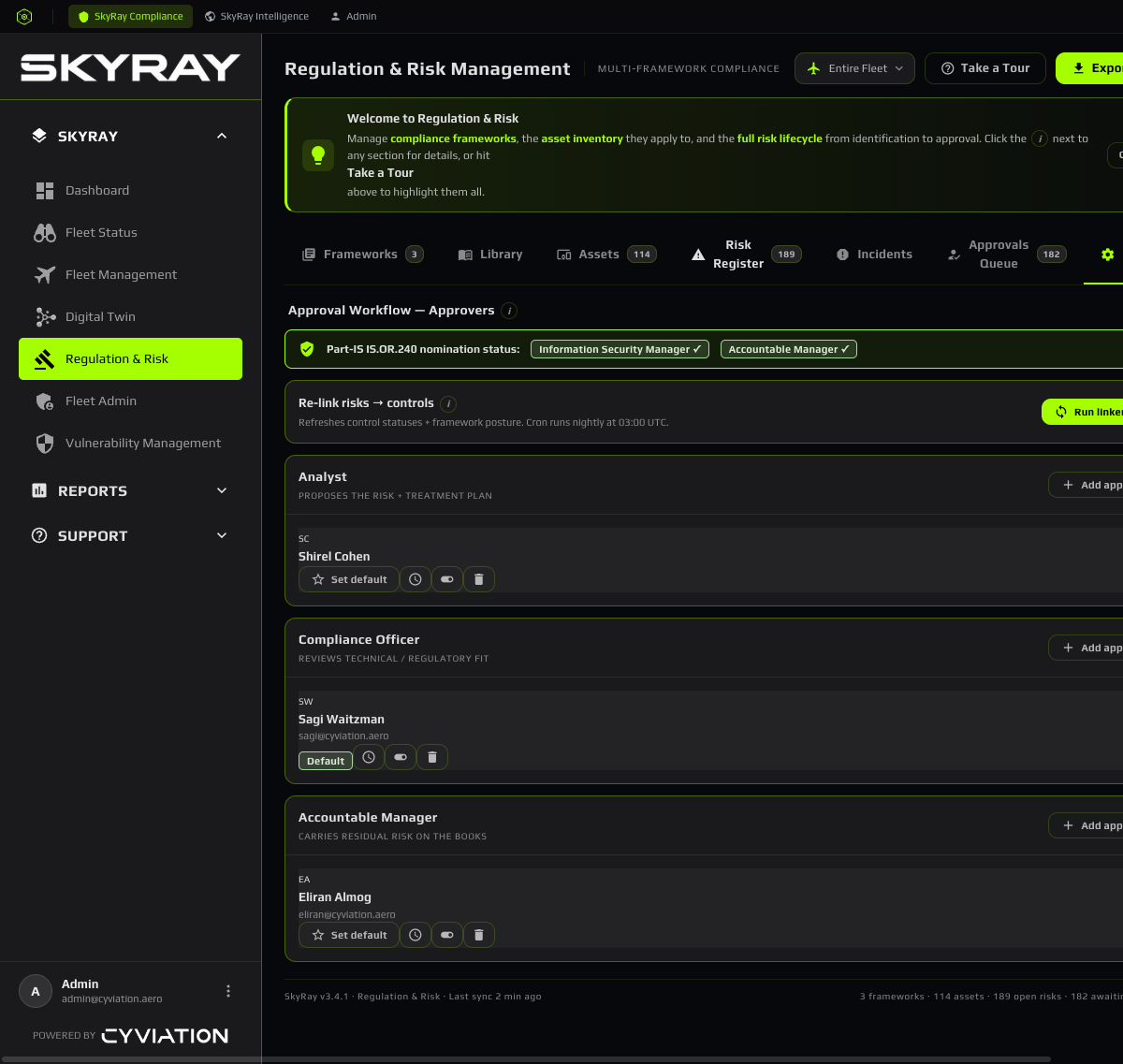
3 · Assign responsible persons
Every requirement needs an owner. Assign responsible persons so accountability is explicit and nothing falls through the cracks.
4 · Track the lifecycle
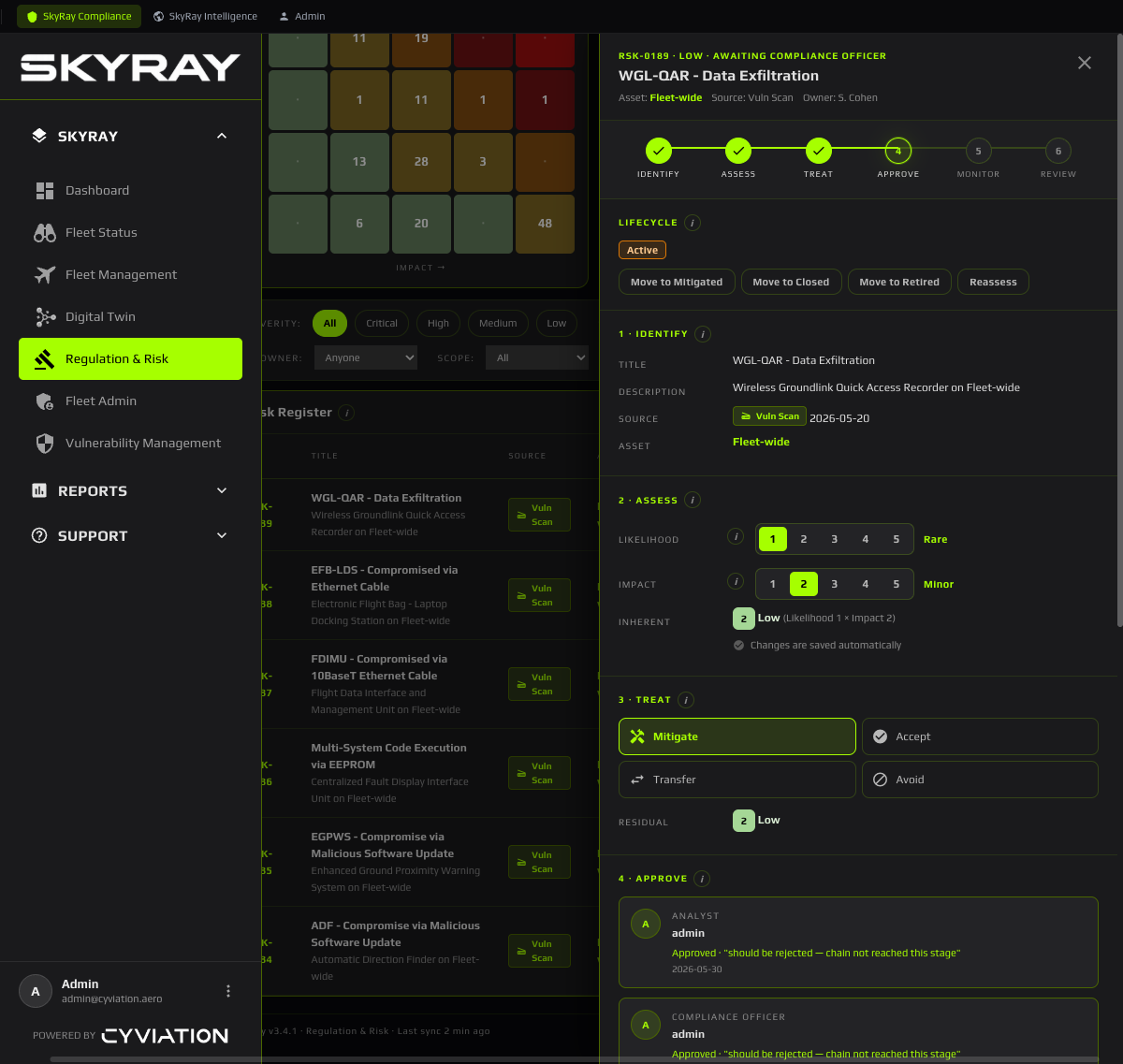
Each requirement moves through its lifecycle (e.g. active → in progress → met). The status reflects the underlying mitigations, so the picture is always current.
5 · Drive mitigations & due dates
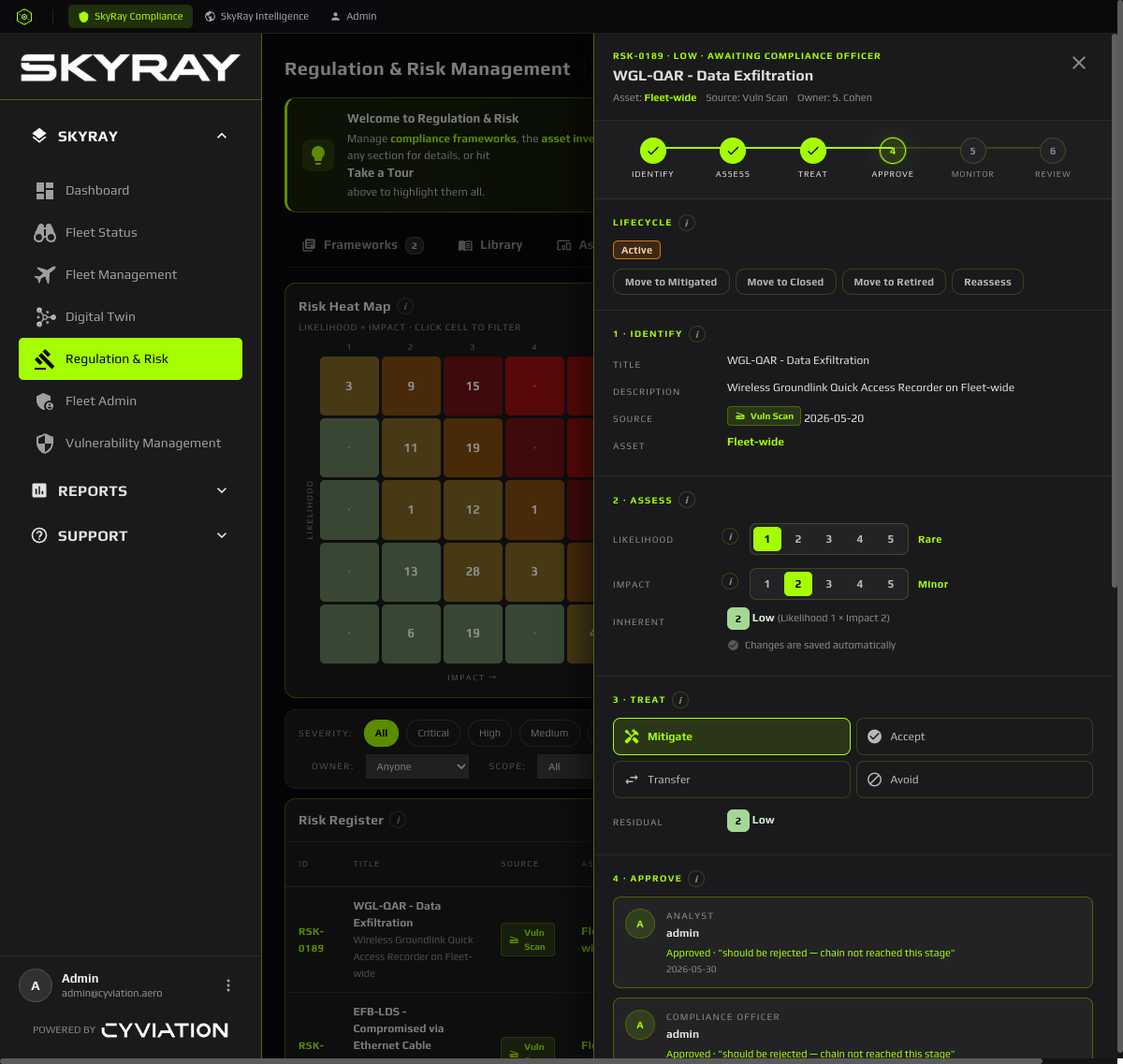
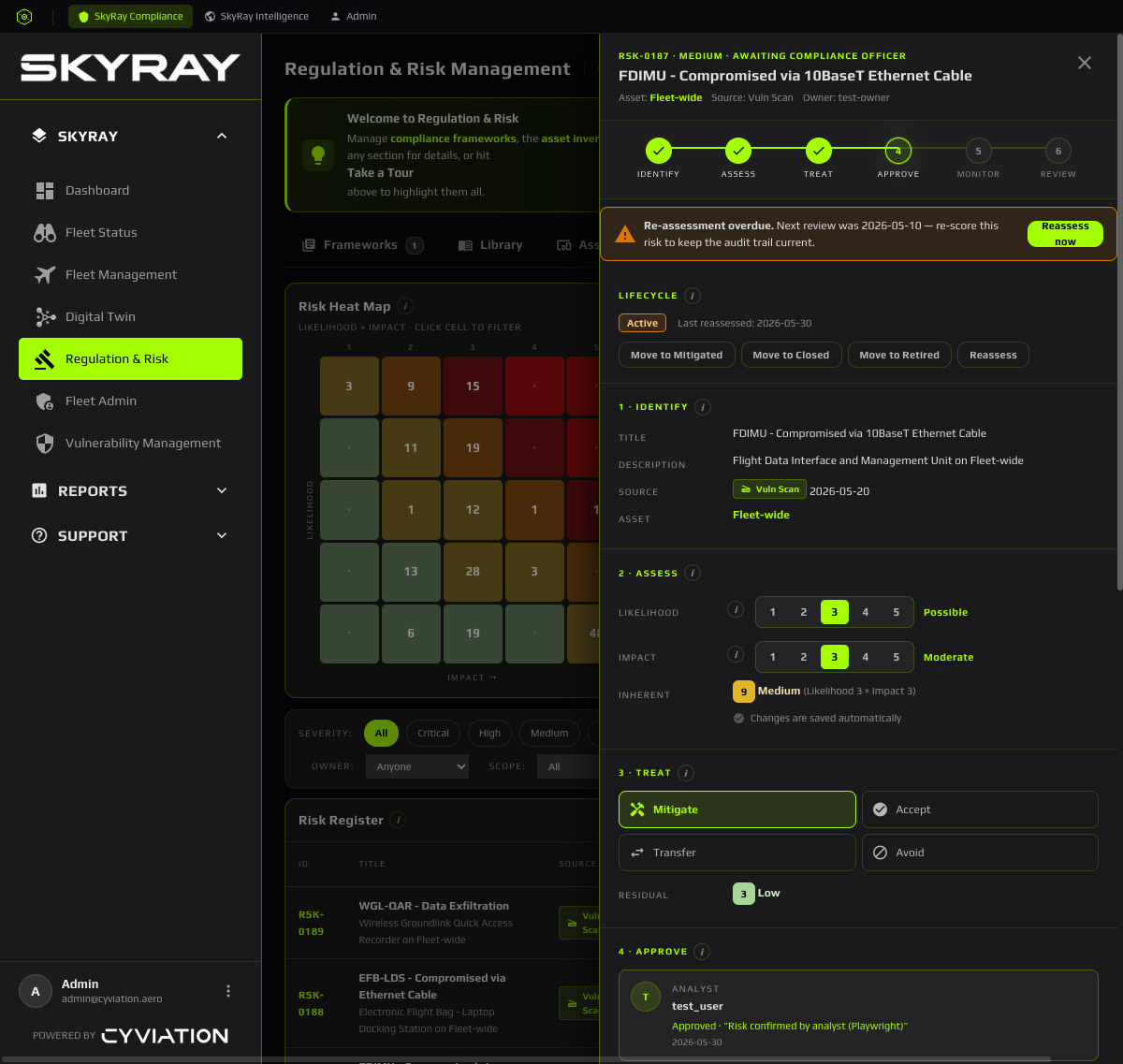
Open gaps become mitigations with owners and due dates. Anything overdue is surfaced prominently so it can't be quietly missed.
6 · Log incidents
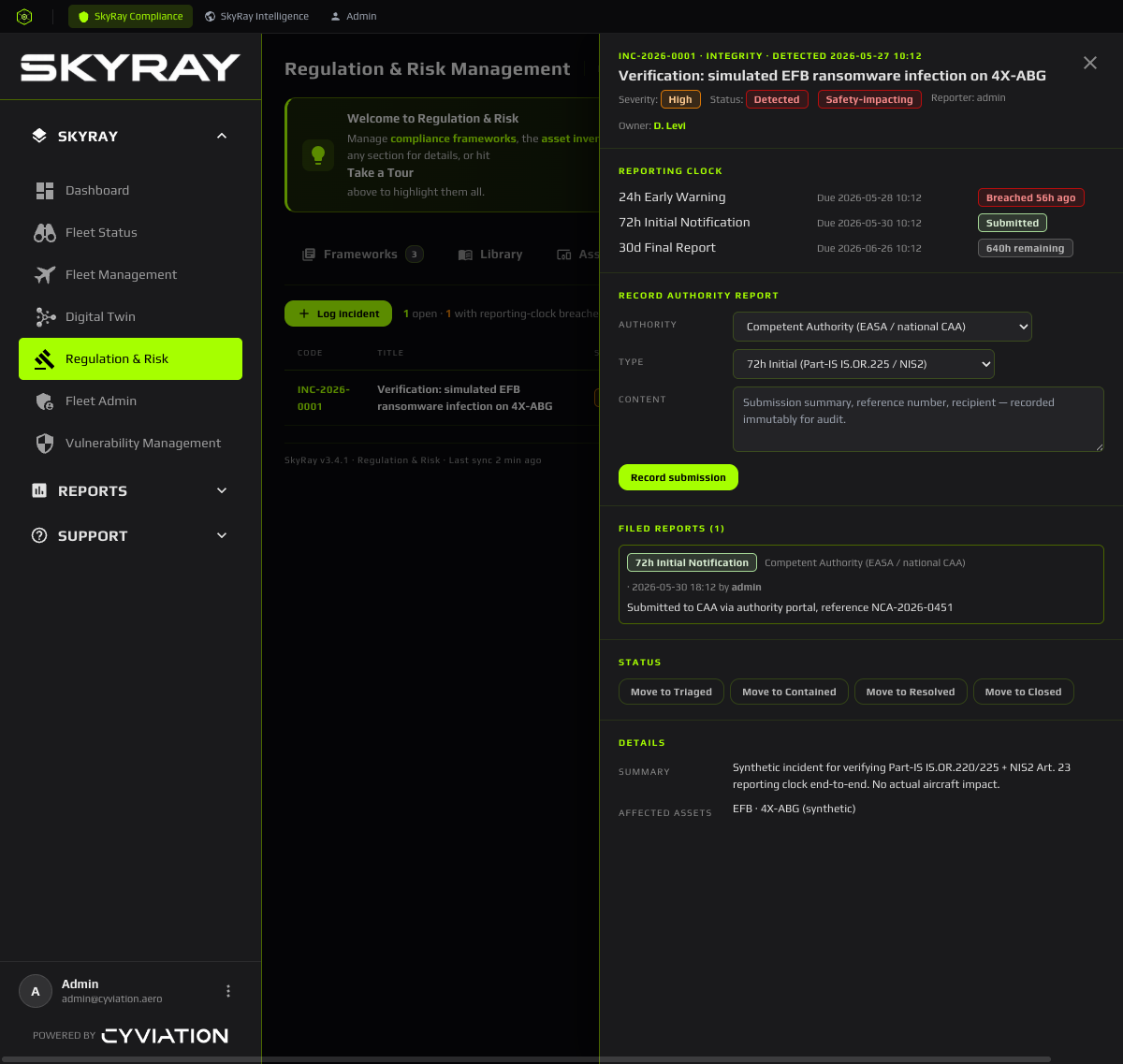
Record security incidents and link them to affected assets and requirements, so incident history feeds your risk picture and reporting.
7 · Retain evidence
Evidence is retained against each requirement, so an audit becomes a query — not a scramble to reassemble proof after the fact.